How to make custom WhatsApp stickers from your photo
Step-by-step: turn one photo into custom cartoon WhatsApp stickers with CreateMyAvatars, then add them on iPhone or Android.
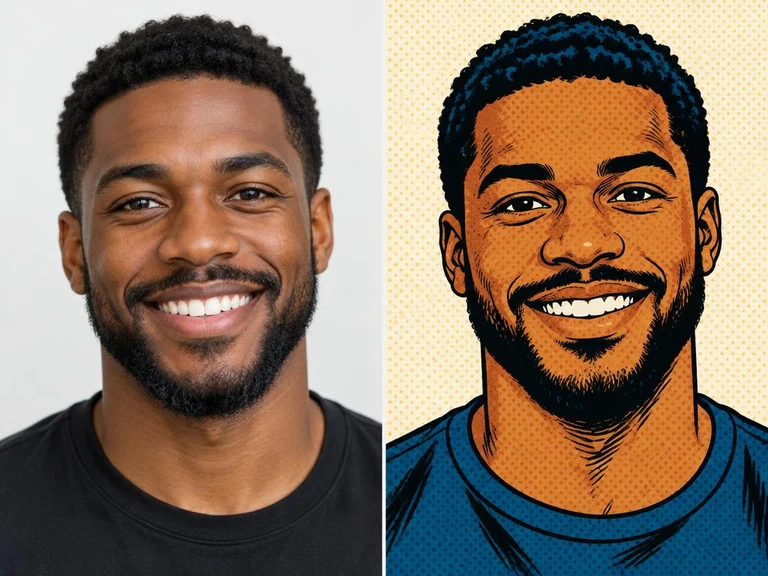
What you'll get
A cartoon sticker that looks like you, doing the reaction you choose — saved as a high-quality image with a transparent background, ready to send in WhatsApp. It works in your phone's browser; there's nothing to install.
Step 1: Pick a good photo
Use one clear photo with your face well lit and looking at the camera. Avoid sunglasses, heavy filters and blurry shots. For a pet, couple or group sticker, use one sharp photo per person or pet.
Step 2: Add your photo on CreateMyAvatars
Open createmyavatars.com and choose who the sticker is for: “Me”, “Pet”, “Us” for a couple, or a group such as Family, Friends, Work or School. Then upload your photo.
Step 3: Pick a look

Choose an art style. Bold styles like Comic and 3D Clay stay easy to read at the small size WhatsApp shows stickers. You can also pick “Close-up” (head and chest) so your face looks bigger in chats, or “Full body”.
Step 4: Choose a reaction
Type what you want the sticker to do — for example “thumbs up”, “laughing” or “good morning” — or browse the ready-made reactions, or tap “Surprise me” for a new idea. Then tap Make.
Step 5: Save it for WhatsApp
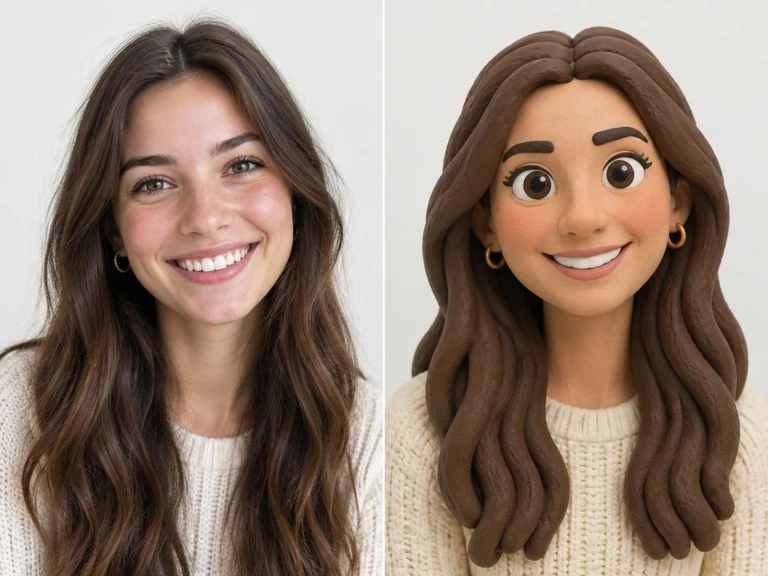
When your sticker is ready, tap Save and keep the background “Transparent” — that's what makes it look like a real sticker in WhatsApp. Pick Small, Medium or Large; Large is sharpest.
Step 6: Add it to WhatsApp
iPhone: open the saved image in Photos, long-press the character and choose “Add Sticker”; it then appears in your sticker tray in WhatsApp. Android: send the image directly in a chat, or add it to WhatsApp through a sticker maker app from the Play Store. You can also use “Send to my WhatsApp” in the save window.
Tips for better stickers
Make a small set of everyday reactions you really use: yes, no, laughing, thank you, good night. Free saves carry a small watermark; you can earn watermark-free avatars by inviting friends or following our pages.